Source Taste
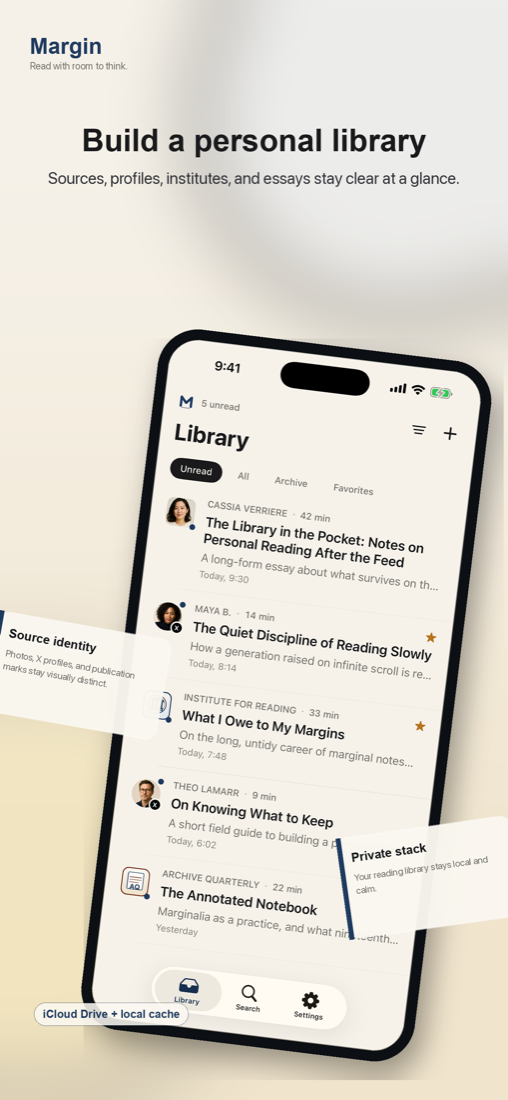
Margin keeps the article readable while respecting the publication, author, and source identity that made the piece worth saving.
Lexi Lab
Read with original tastes.
Save essays, posts, and references into a focused reader that protects attention, preserves source character, and keeps your library local-first.
Built For Reading
Margin keeps the article readable while respecting the publication, author, and source identity that made the piece worth saving.
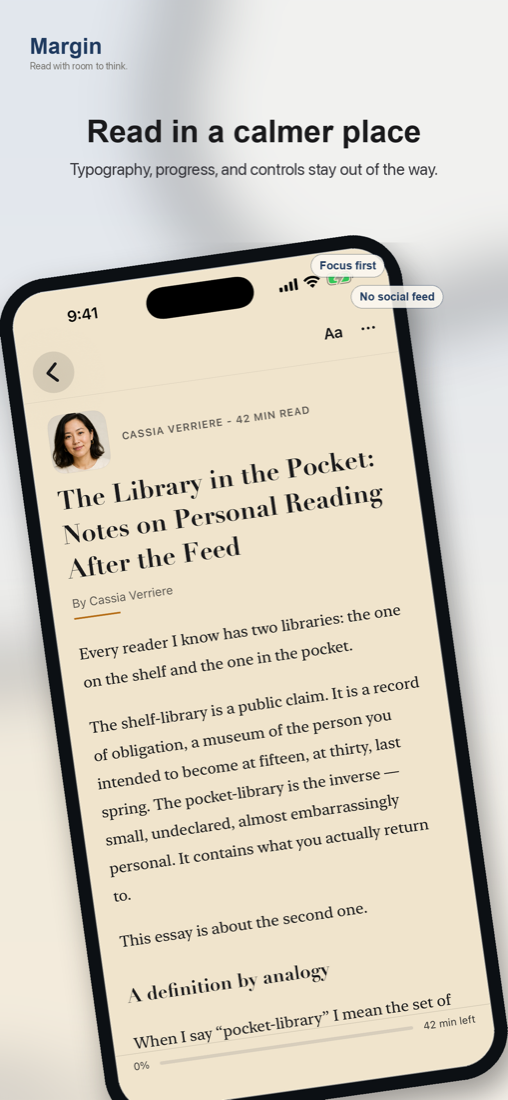
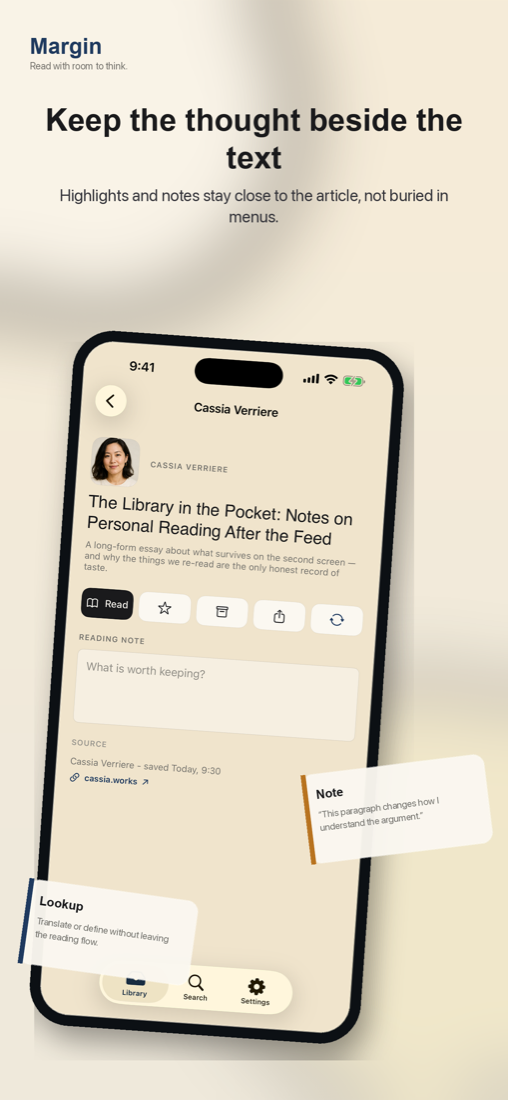
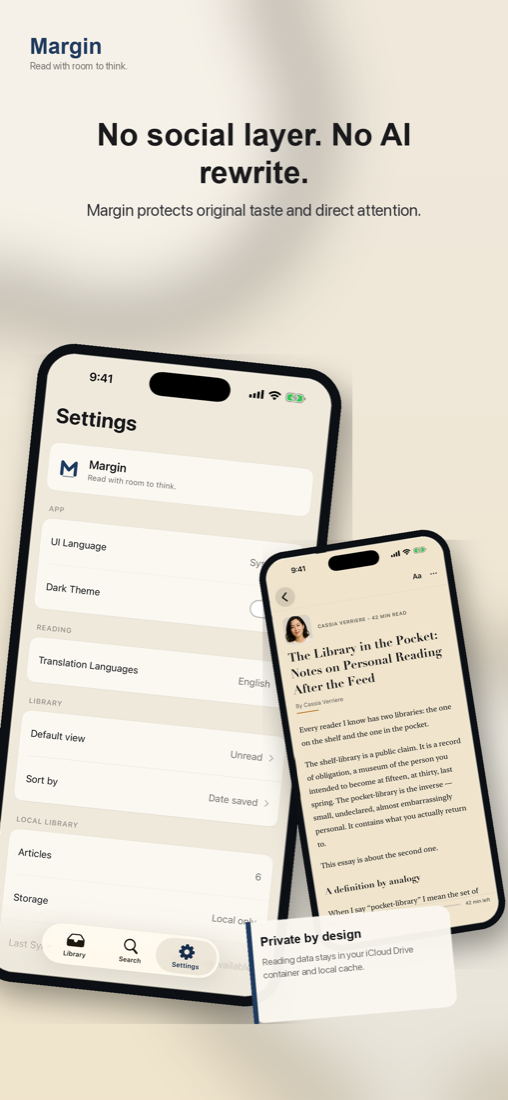
Reading mode, progress, highlights, and notes stay close to the text without turning the session into another feed.
Translation and dictionary lookup are designed to resolve friction without pulling you out of the article.
AI-content detection helps testers judge source quality while avoiding AI writing, social scoring, and recommendation loops.
Preview
Workflow
Collect links into a clean library without account setup or social surfaces.
Move through the text with calm typography, source-aware styling, and progress.
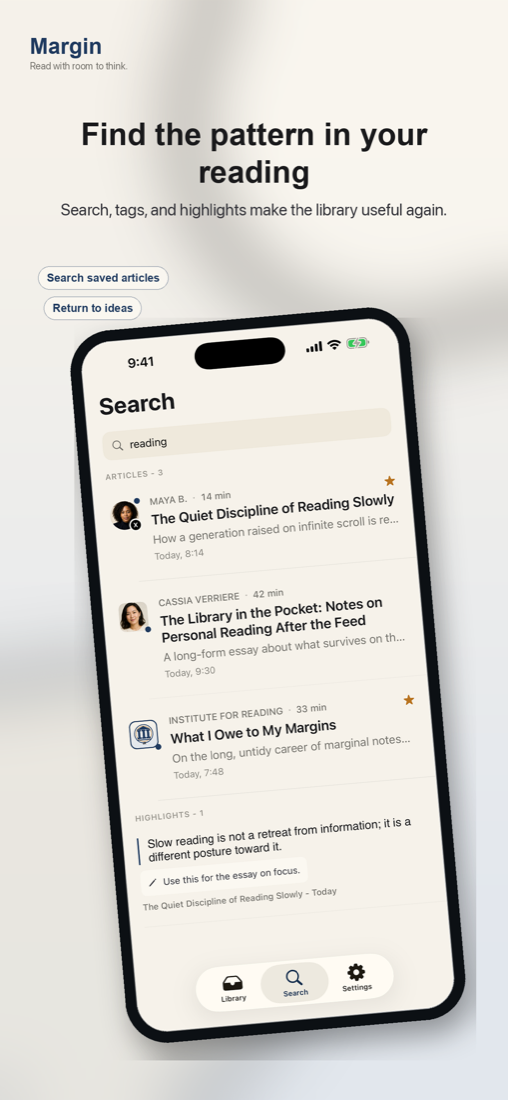
Highlight, write notes, look up words, translate passages, and search later.
Details
No. Testers only need iCloud Drive enabled so Margin can store reading data in the app container and local cache.
Your reading data stays in iCloud Drive and on device. Margin does not upload your library to a Lexi Lab server. Read the privacy policy.
The current TestFlight track is 0.62 alpha, focused on reading quality, notes, lookup, search, and AI detection feedback.
TestFlight
Ask for a TestFlight invite if you want to test the reading experience and send feedback.
Request an Invite